


Download videos from the Internet and convert their format
Internet videos are usual contents that can be found on any website, even though the majority of times they are embedded in Flash, something that makes them difficult to download. You aren't the first person that wants to download videos from YouTube, Vimeo and similar sites. That is why you and the rest of users that want to download videos from the Internet can access VDownloader, a program designed for such purpose.
Download and convert videos to any format with a single click.
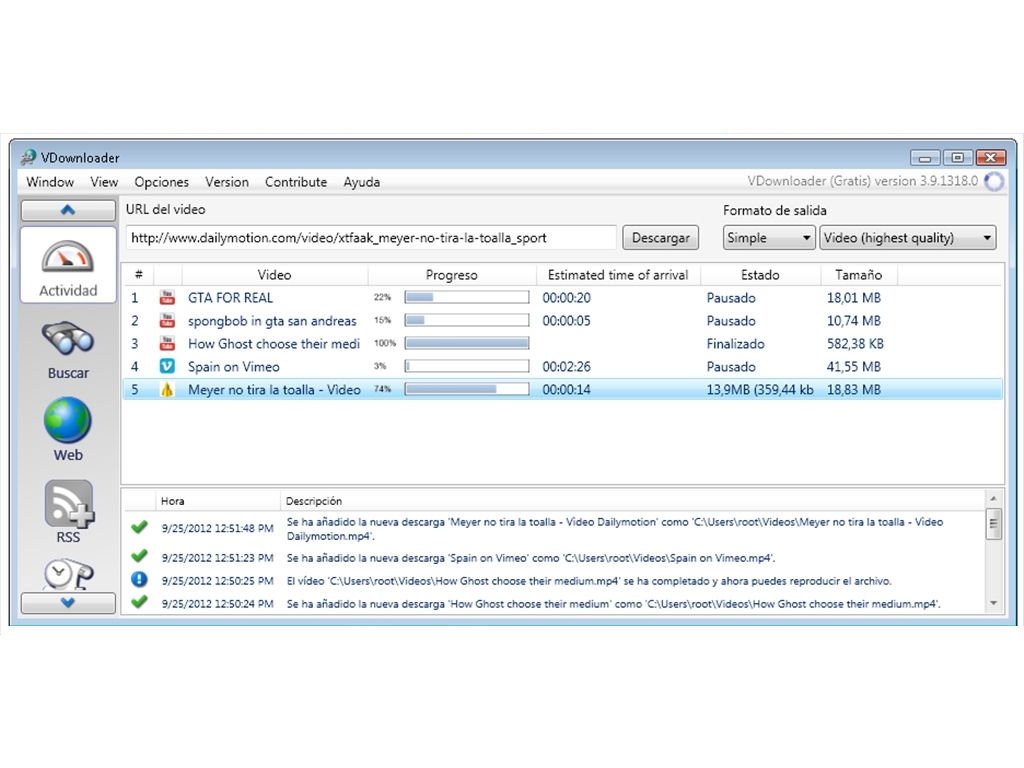
Web browsers are incapable of detecting the URL address of these files to download them directly. VDownloader is a video download manager specialized in the FLV format in which you'll only have to input the web address for it to start downloading the video automatically.
Features of VDownloader
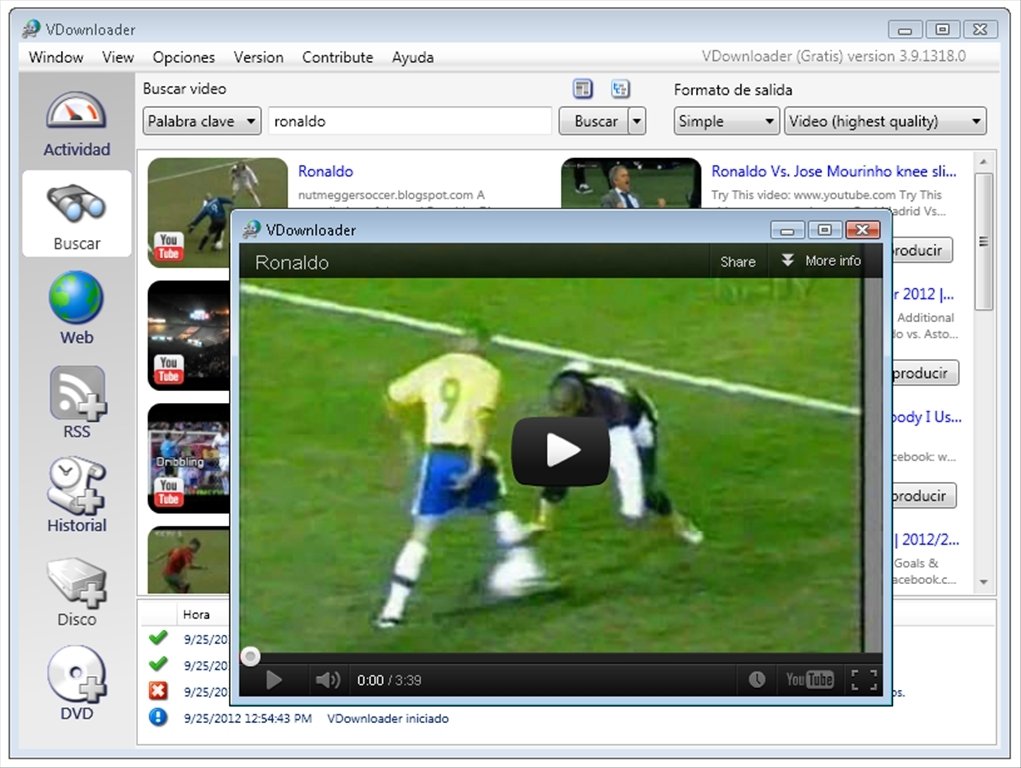
- Search, play and download videos from the Internet automatically.
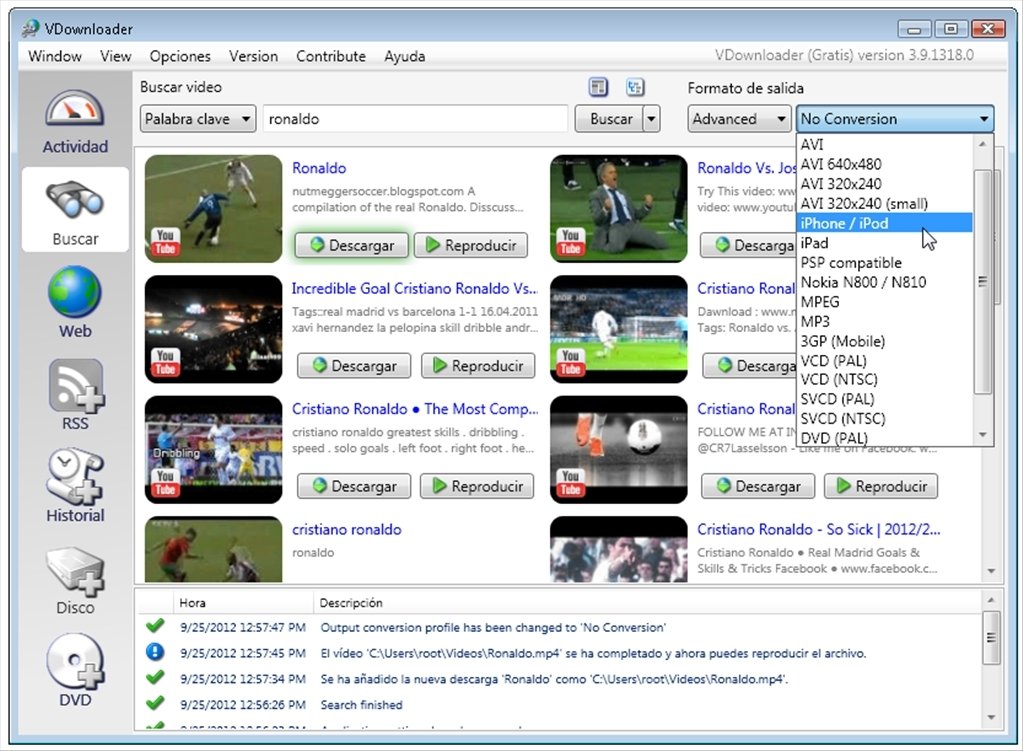
- Download the videos and convert them to many formats: AVI, 3GP, MP4, MKV, VCD, DVD, FLV, SVCD, MPG, etc.
- Convert the files to the native format of different playing devices like PSP, iPod, etc.
- Download the audio from videos separately as MP3 audio.
- Carry out searches directly by means of the search engine integrated into the interface.
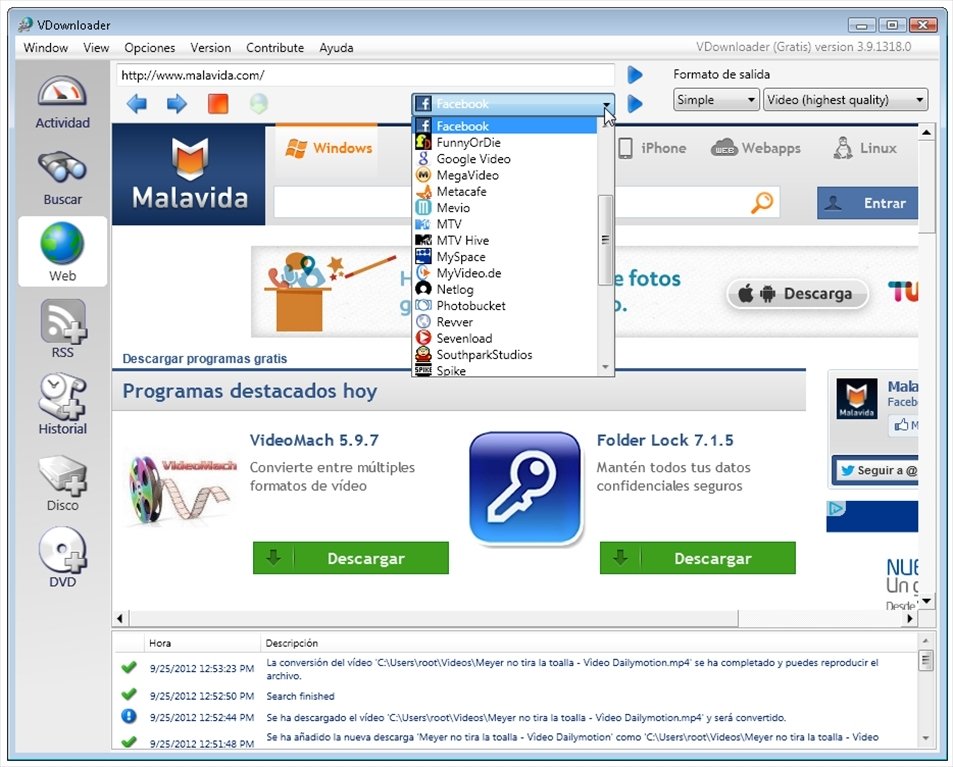
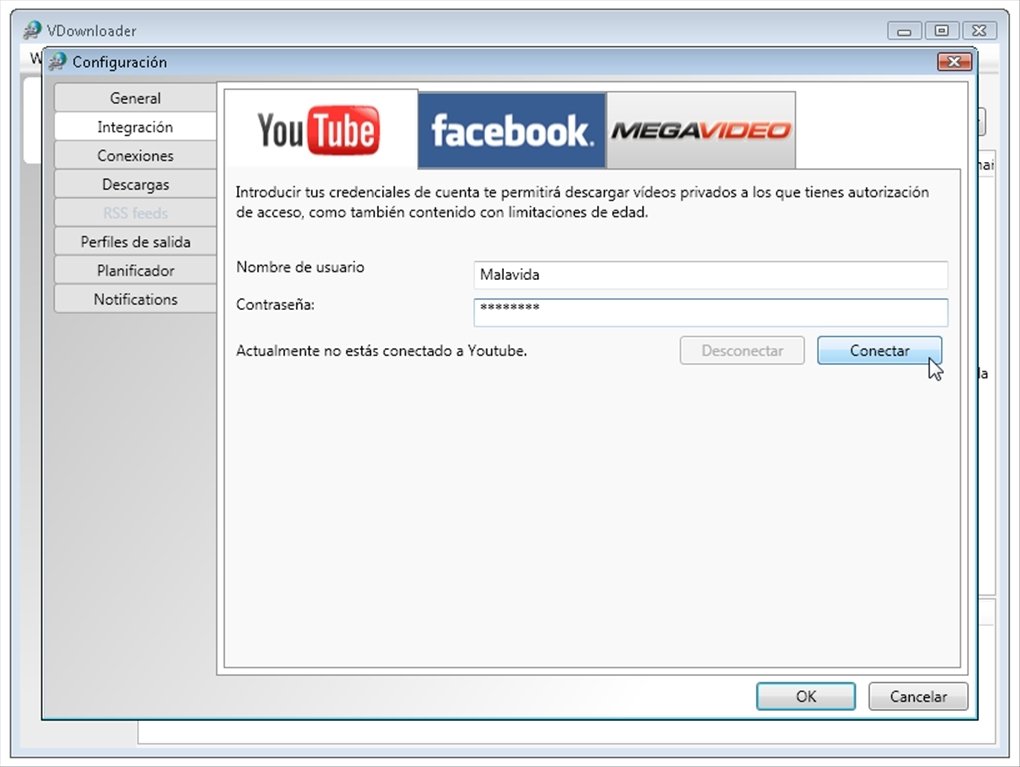
- Compatible with many pages like YouTube, Vimeo, Metacafe, DailyMotion...
- Adjust the resolution and the frame rate of the files.
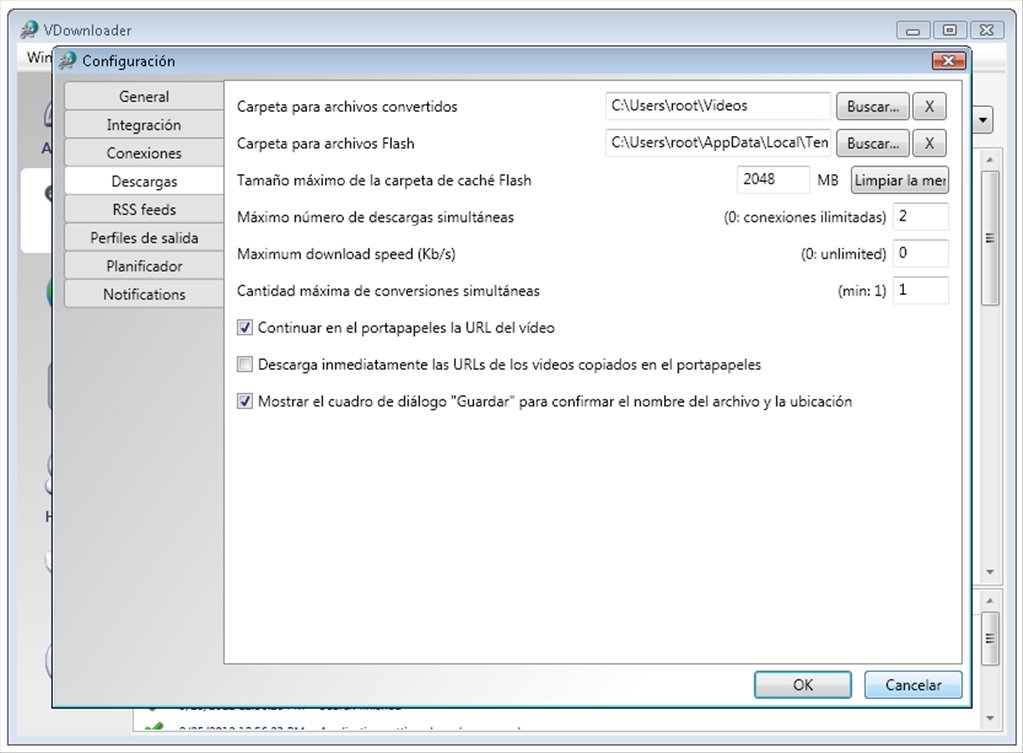
- Plan and program the download of videos to limit the use of the CPU or the bandwidth.
- Includes a proxy to access videos blocked in your country.
- Share the videos on social networks.
From the Internet to your mobile in record time
The VDownloader tool is beyond any doubt. Over the Internet nothing is forever and if you want to have your favorite videos available at all times, the best idea is to download them as a backup. Furthermore, you'll be able to convert their format and adapt them to your player, even if it's a smartphone or tablet.
Downloading videos from the Internet is really easy, you only need to do one thing: download VDownloader for free.
Requirements and additional information:
- Requires an Internet connection to complete the installation.
- It's necessary to have Microsoft .NET Framework 4.0 or above installed.
 Antony Peel
A Telecommunications Engineer, chance led me to the translation industry, where after a few years, I discovered another side of the world of technology while translating what others were writing about mobile applications and software. That...